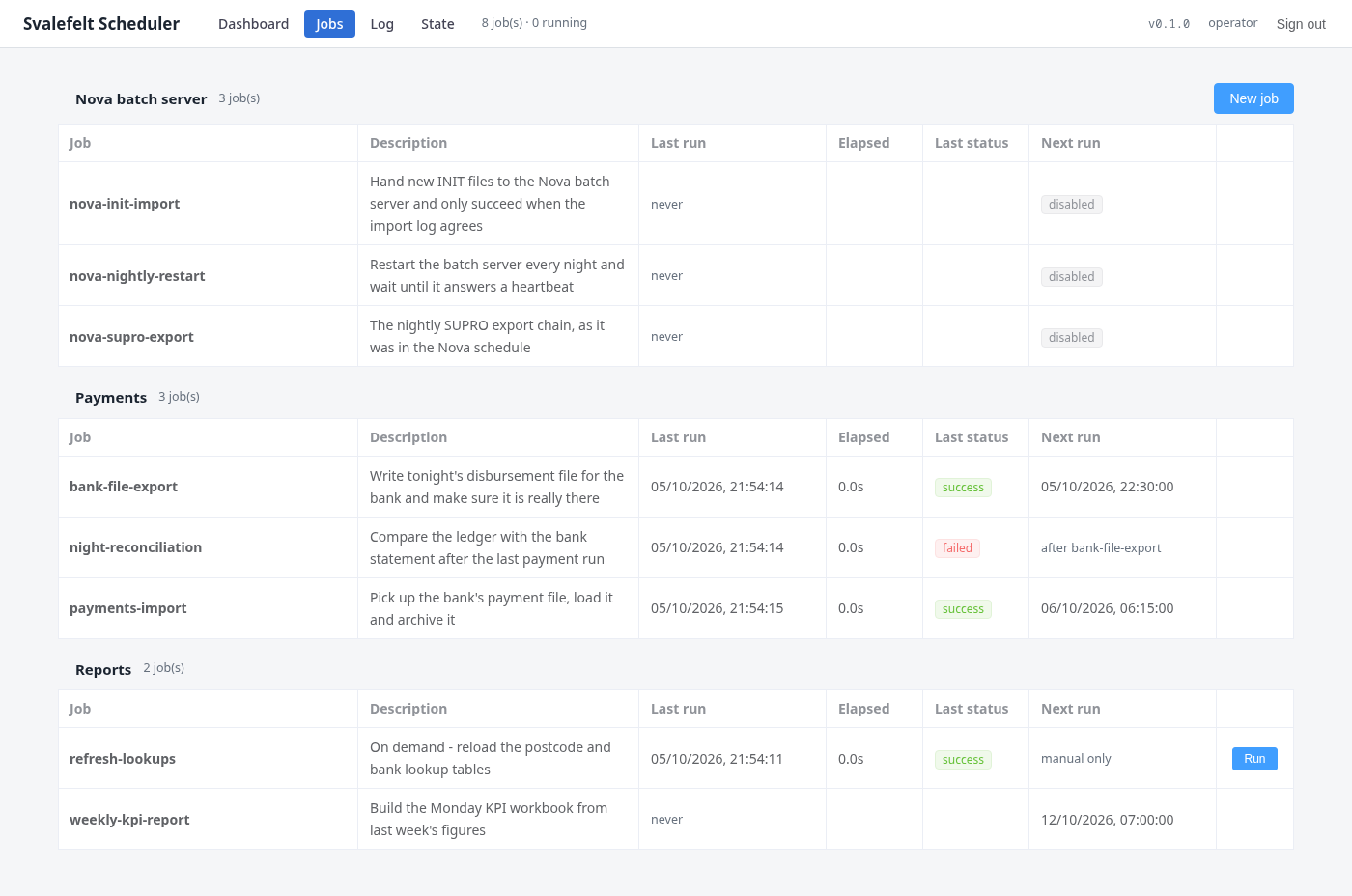
A general job scheduler with a web UI: one YAML file per job in source control, triggers on a timetable, a file arriving, another job finishing or a SQL check, and steps that run scripts, SQL and file transfers. Built with the Nova Batch server in mind: it takes over the scheduling, hands the batch server the tasks only it can run, confirms in Nova's own tables that the work was done, and restarts the server when its heartbeat stops.
Most of what runs overnight in a collection operation is a handful of scripts, imports and
exports that somebody once put in the Windows Task Scheduler, a cron table or the batch
server's own schedule — and that nobody can see in one place. Svalefelt Scheduler is one place:
every job is a small text file, every run is logged with what it did and why it failed, and the
web UI shows what ran, what is running and what is next. It schedules anything that can be
started from a command line, a Python script or a SQL statement.
It was built with the Nova Batch server in mind. The batch server is the only way to reach a
good part of what Nova does — imports, exports, Object Basic, interest updates, payment commits
— and it is also the part of a Nova installation that most often needs a person in the morning:
a job that hangs, a schedule that was silently skipped, a job stuck at Running or parked
On Hold and forgotten. The scheduler does not replace it. It takes over everything around it:
deciding when things run, preparing and checking the inputs, watching the result, and recovering
when the batch server does not.
A job is a file
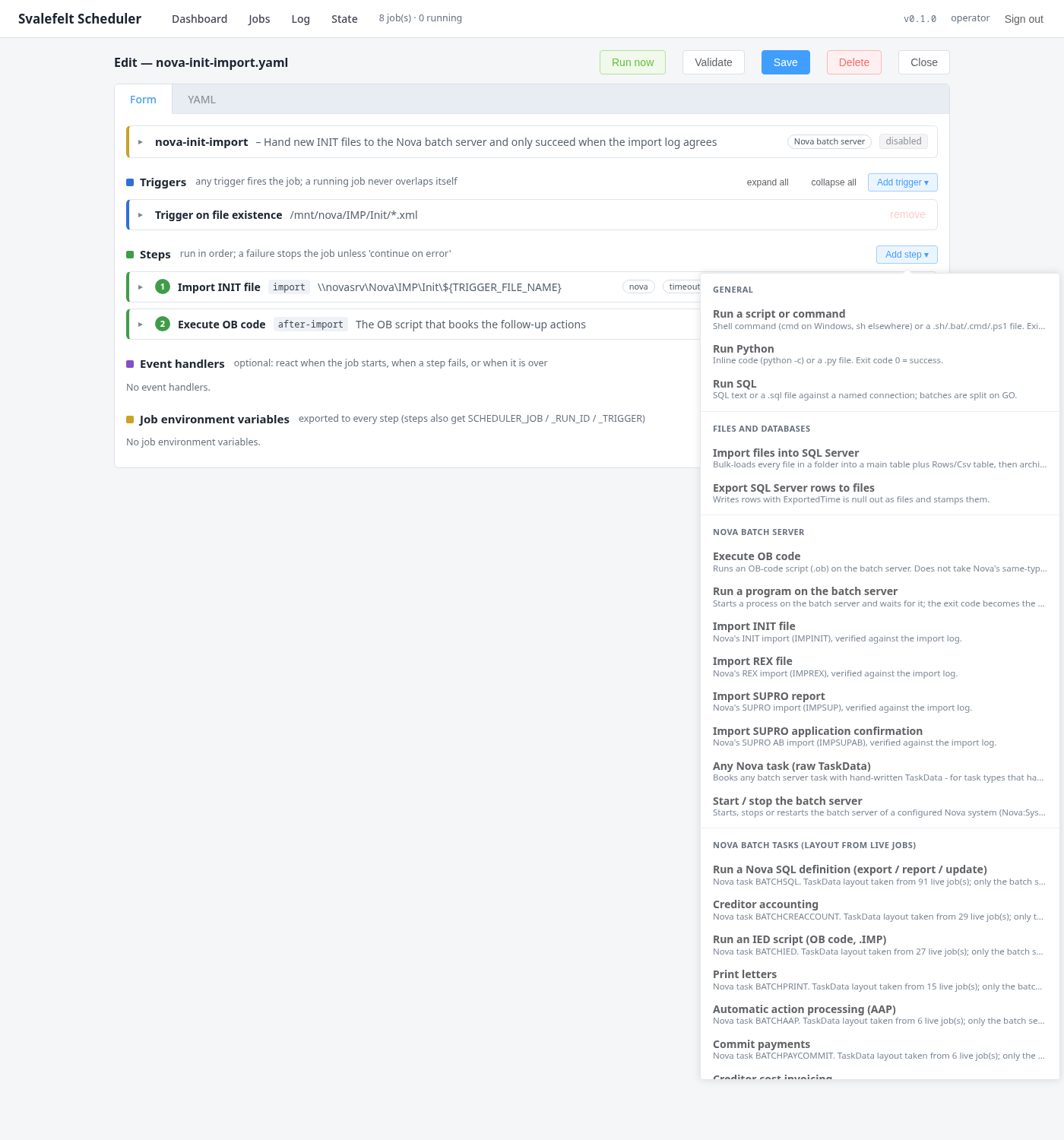
name: nova-init-import
description: Import INIT files in Nova as they arrive

triggers:
  - type: file
    path: /mnt/nova/IMP/Init
    pattern: "*.xml"

steps:
  - name: import
    type: nova.impinit
    connection: nova
    timeoutSeconds: 1800
    retries: 5                        # MUTEX: another import is running
    retryDelaySeconds: 60
    settings:
      file: \\novasrv\Nova\IMP\Init\${TRIGGER_FILE_NAME}
      allowEmpty: "false"             # zero records read is a failure

  - name: after-import
    type: nova.execob
    connection: nova
    settings:
      file: \\novasrv\Nova\IED\AfterInitImport.ob

onError:
  - name: notify
    type: script
    command: ./notify.sh "Import failed: $SCHEDULER_ERROR"
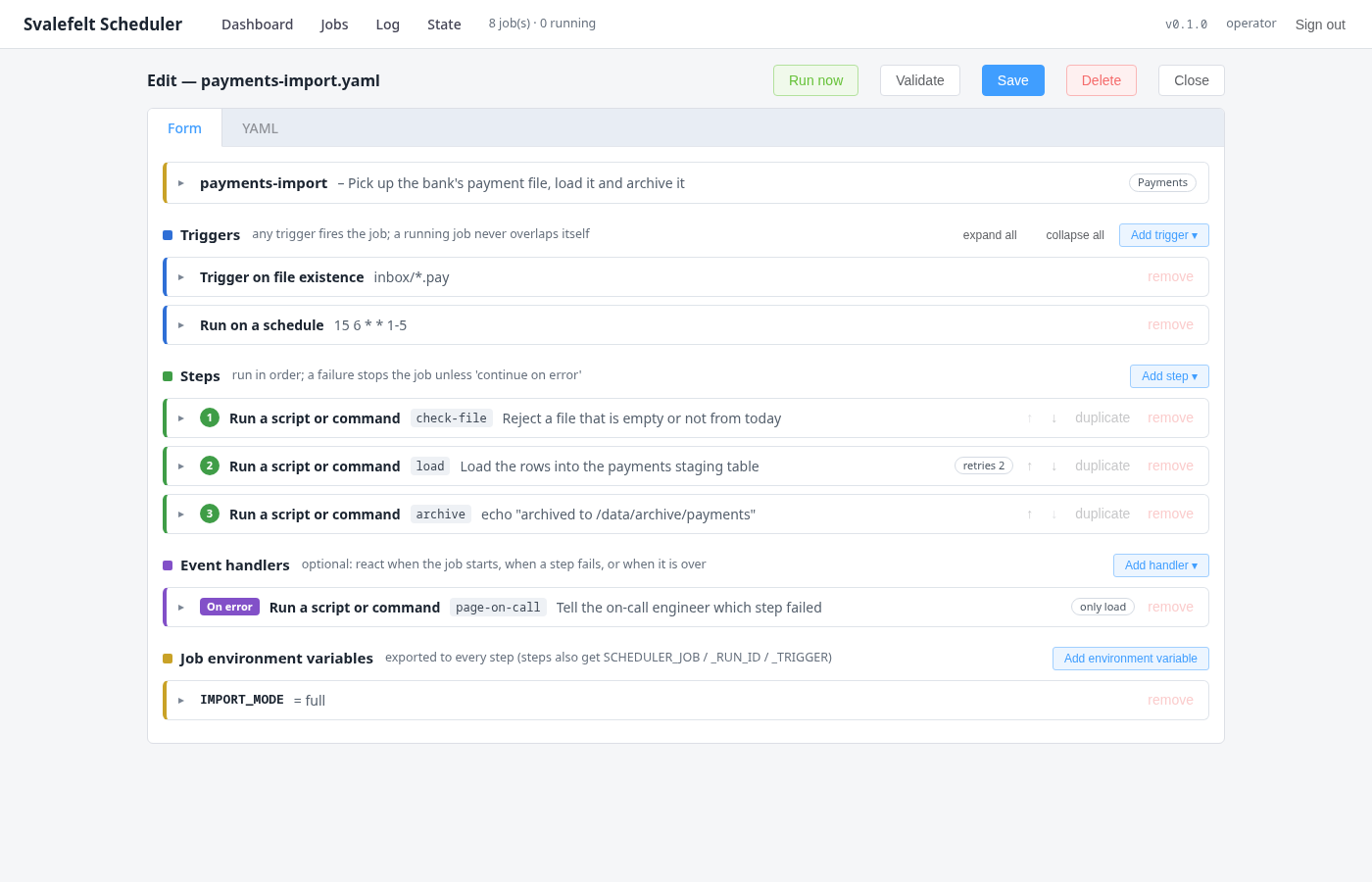
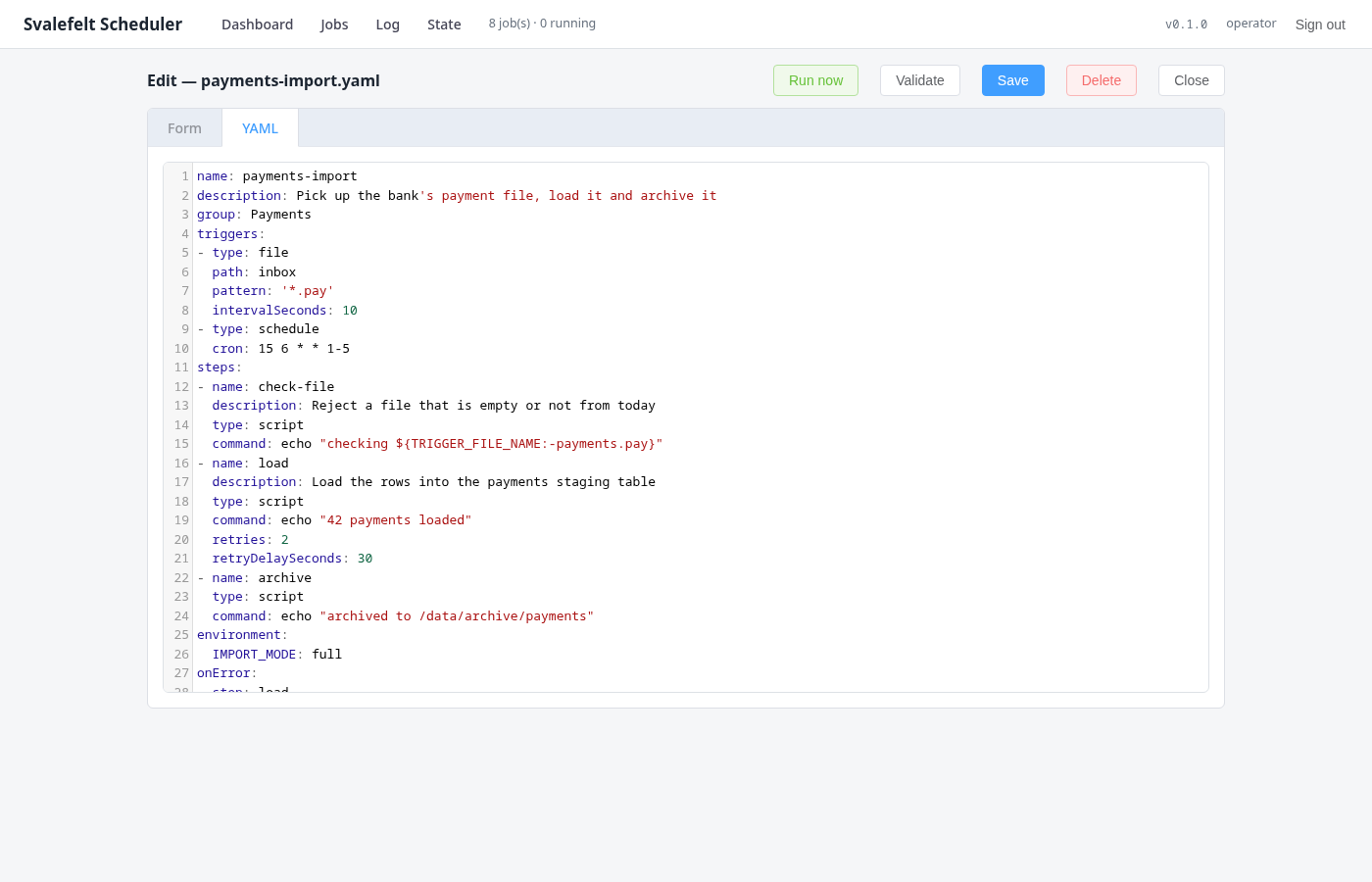
One YAML file per job, in a folder that belongs in source control. Files are re-read when they
change, without a restart; a file with a typo or a missing setting is listed as a problem and
never half-run. A job is triggered by a cron schedule, by a file arriving, by another job finishing
— successfully or not — or by a SQL query returning true. Its steps run in order: scripts, Python,
SQL, file imports and exports to SQL Server, and — where Nova is involved — one step type per Nova
batch task. Every step has a timeout, retries, and an output-file check: a step that reports
success but leaves no new file behind has failed, which is the classic silent export failure. A
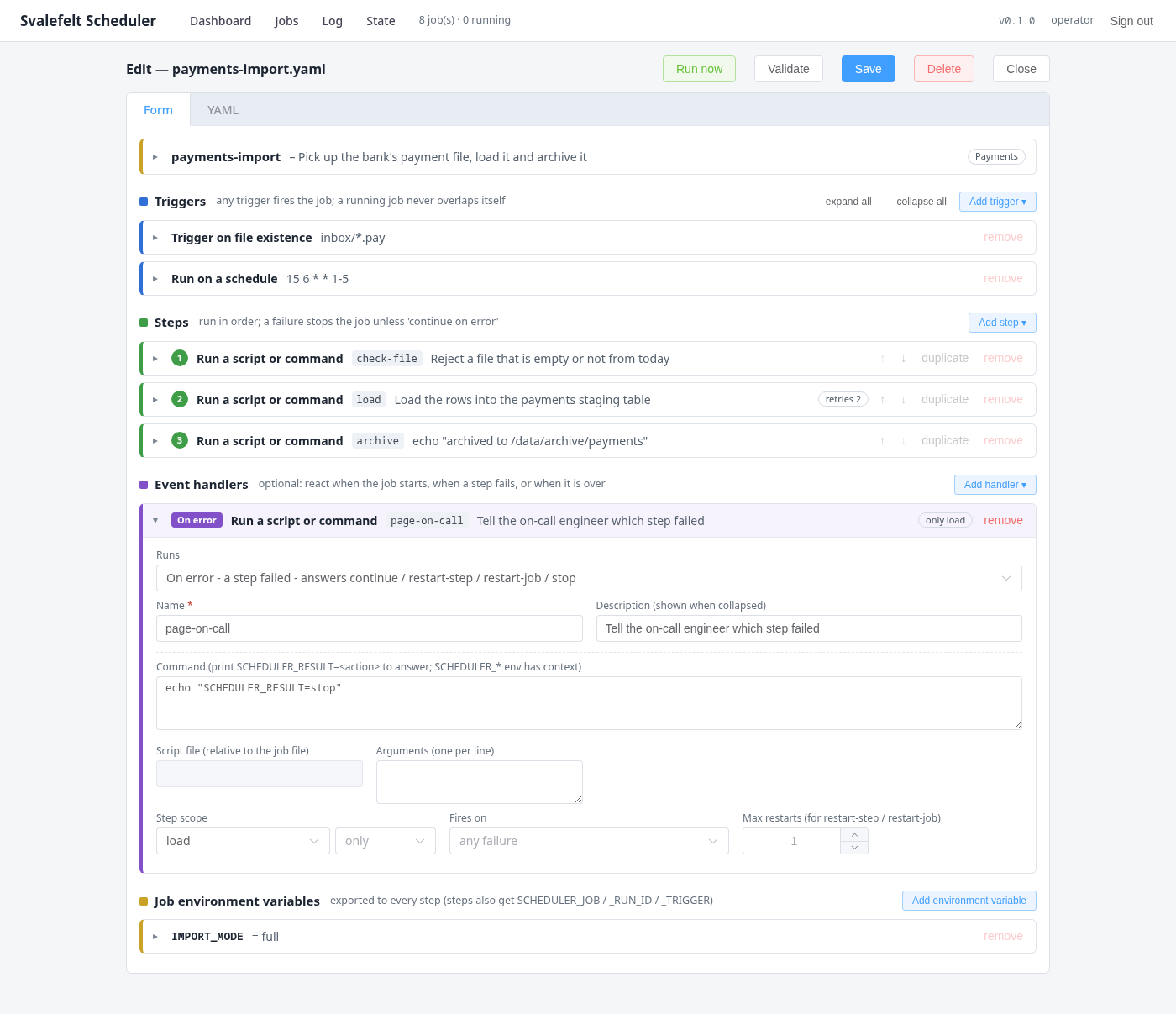
job never overlaps itself, and an onError handler decides what happens next: restart the step,
restart the job, or run a script that tells somebody.
The Nova Batch server, built in
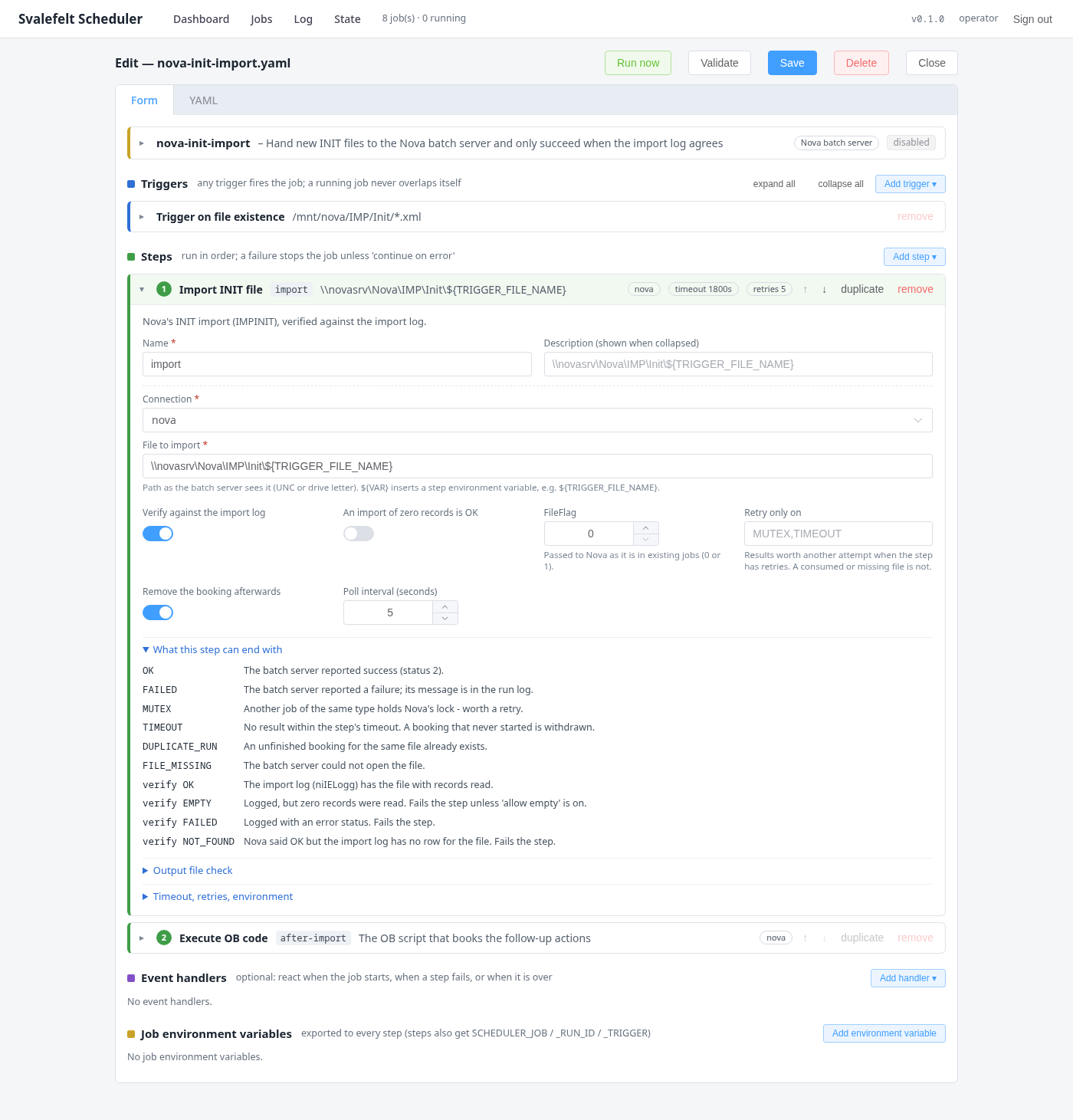
A Nova step books the task in the batch server's own tables — the same way Nova itself does, with
nothing installed in the Nova database — waits for the result, and then checks that Nova actually
did the work: an import is verified against Nova's import log, not just against the batch server's
return code. A file export fails if it reported success and left no new file behind, so an old
export lying around cannot vouch for this run. Nova's another job of this type is running is a
result the scheduler understands and retries; a booking that never started is withdrawn on
timeout so it cannot fire later, unattended.
When the batch server stops, the scheduler notices
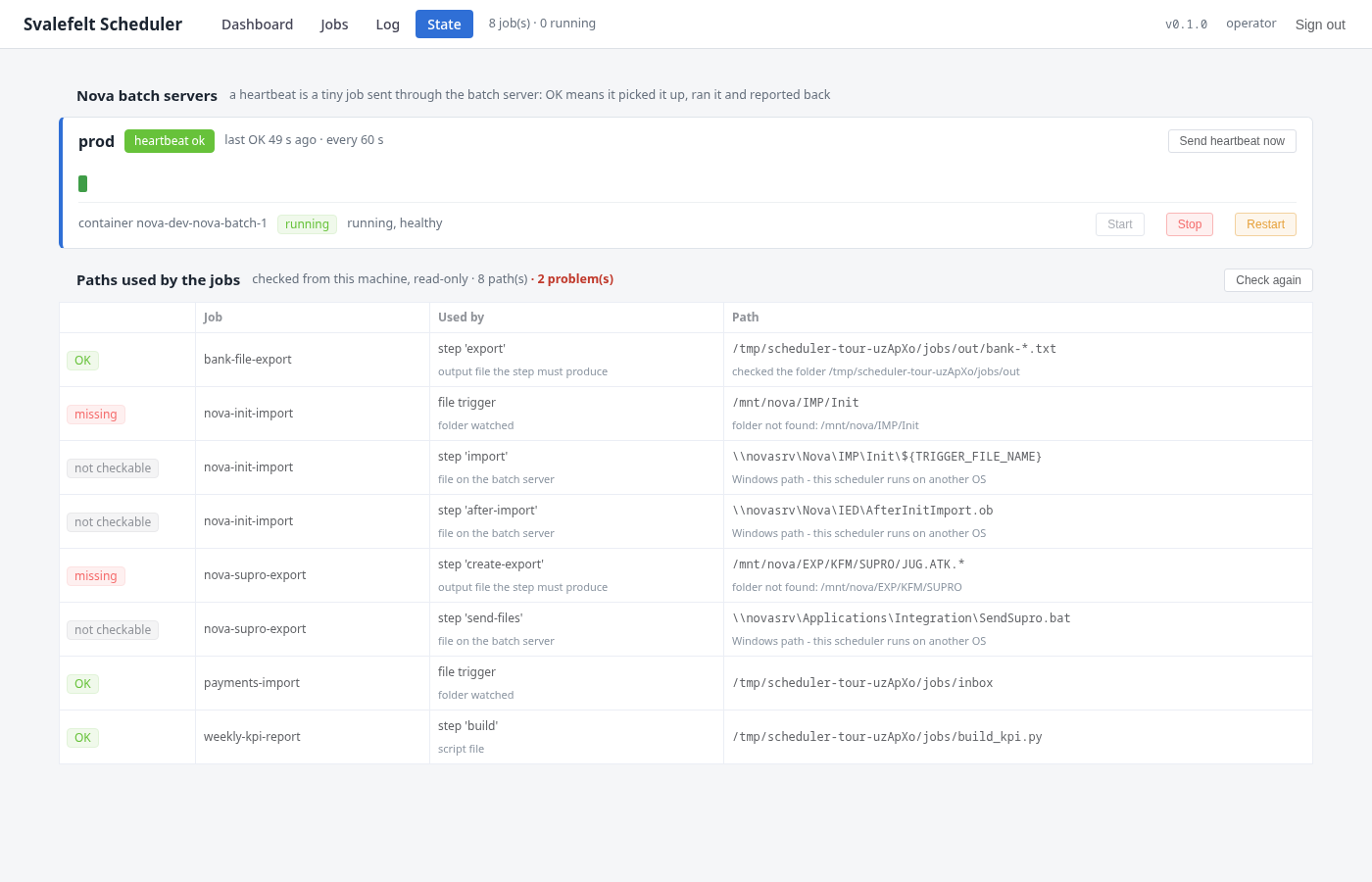
A heartbeat is a tiny job sent through the batch server on an interval: OK means the server
picked it up, ran it and reported back — the whole chain, which a running service process alone
does not prove. After a number of missed heartbeats the scheduler restarts the batch service and
says so. Job-level recovery is yours to declare: on error, restart the step, restart the job, or
run a script that tells somebody.
Taking over an existing schedule
An extract of Nova's schedule table is converted into job files in one command: chains become one job with
ordered steps, repeats become cron expressions, and every converted job arrives disabled, so the
switch-over is one file at a time, on your terms.
Watching it
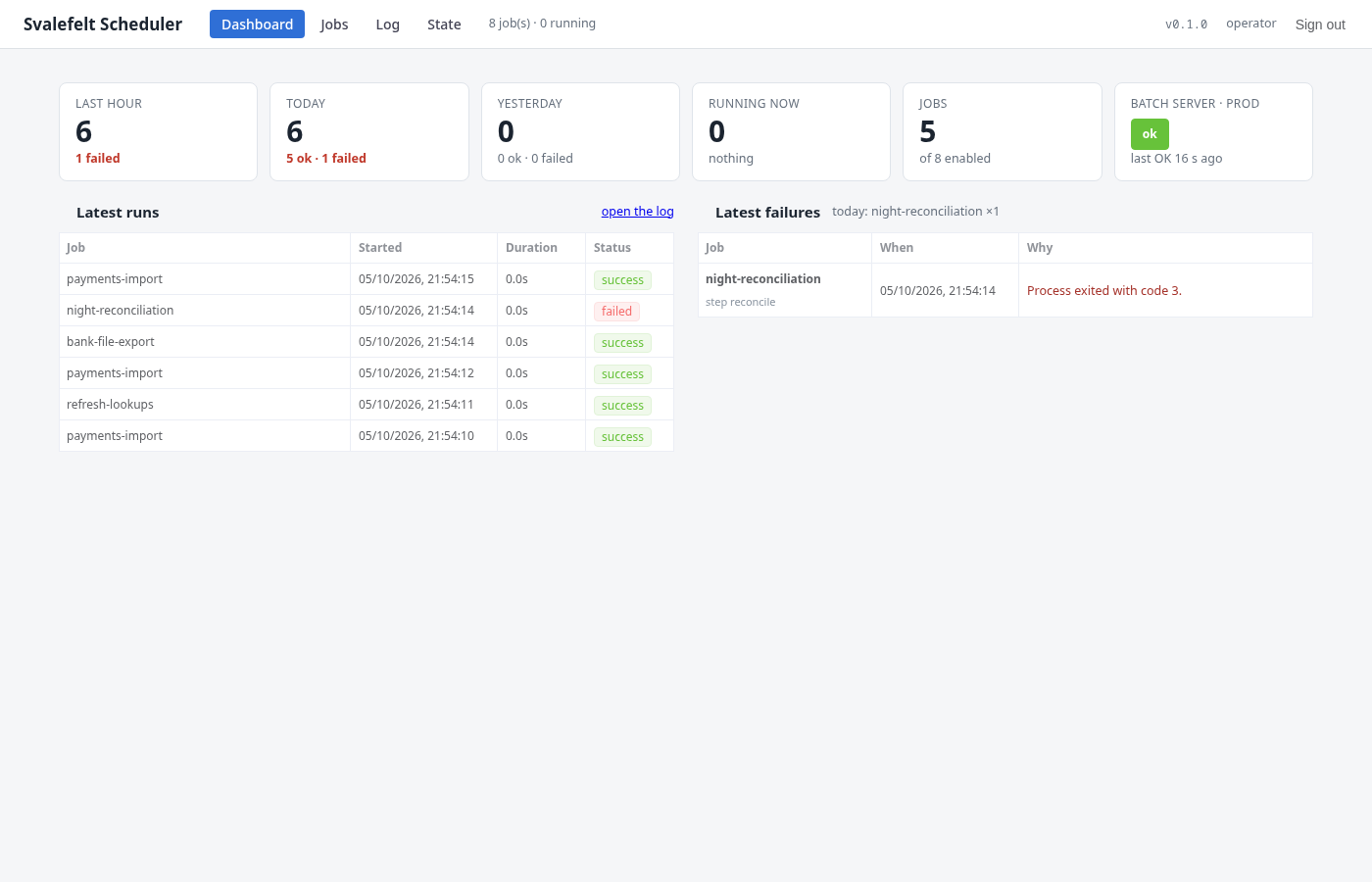
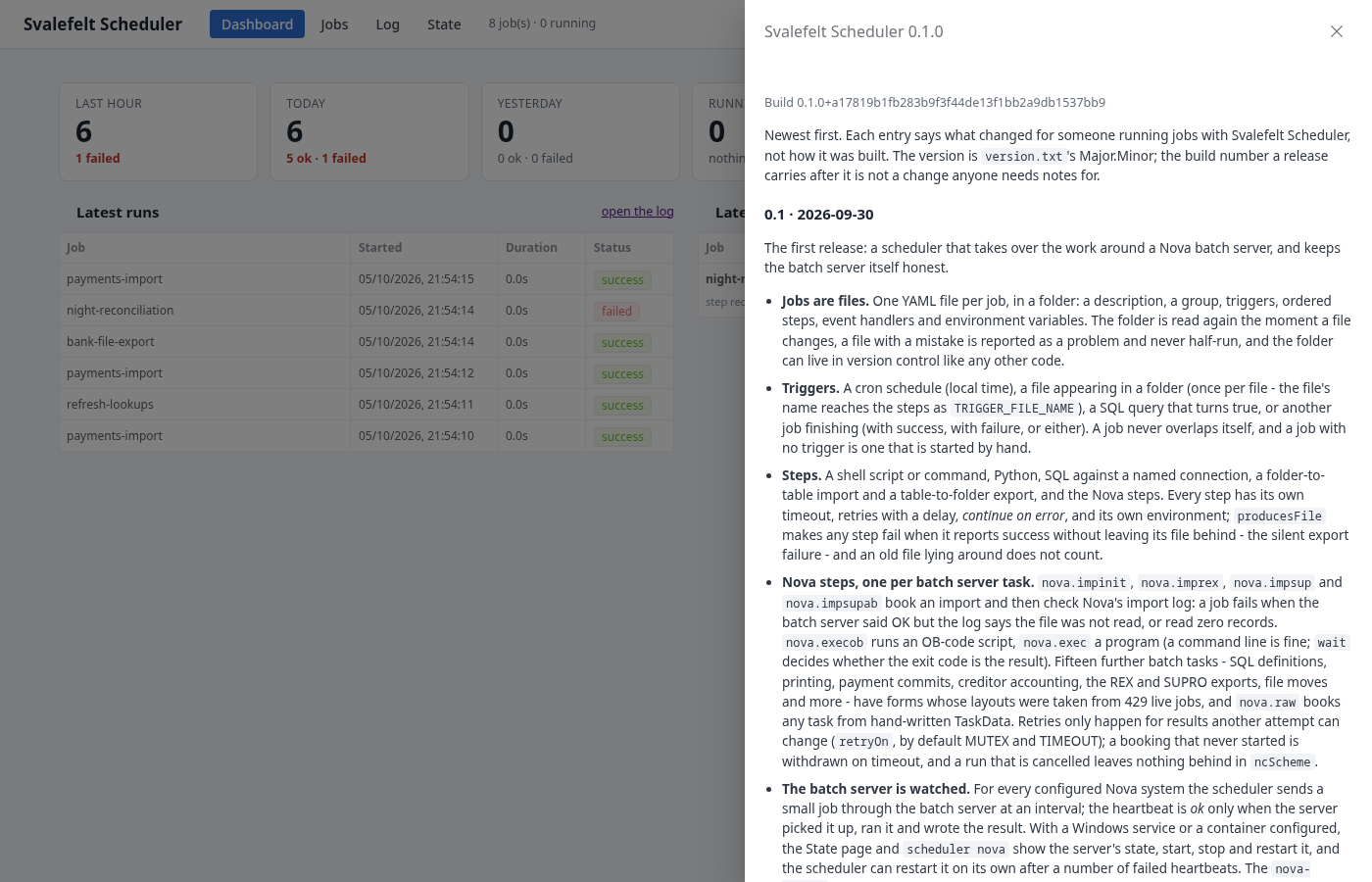
The dashboard shows the last hour, today and yesterday, what is running now, and a heartbeat tile
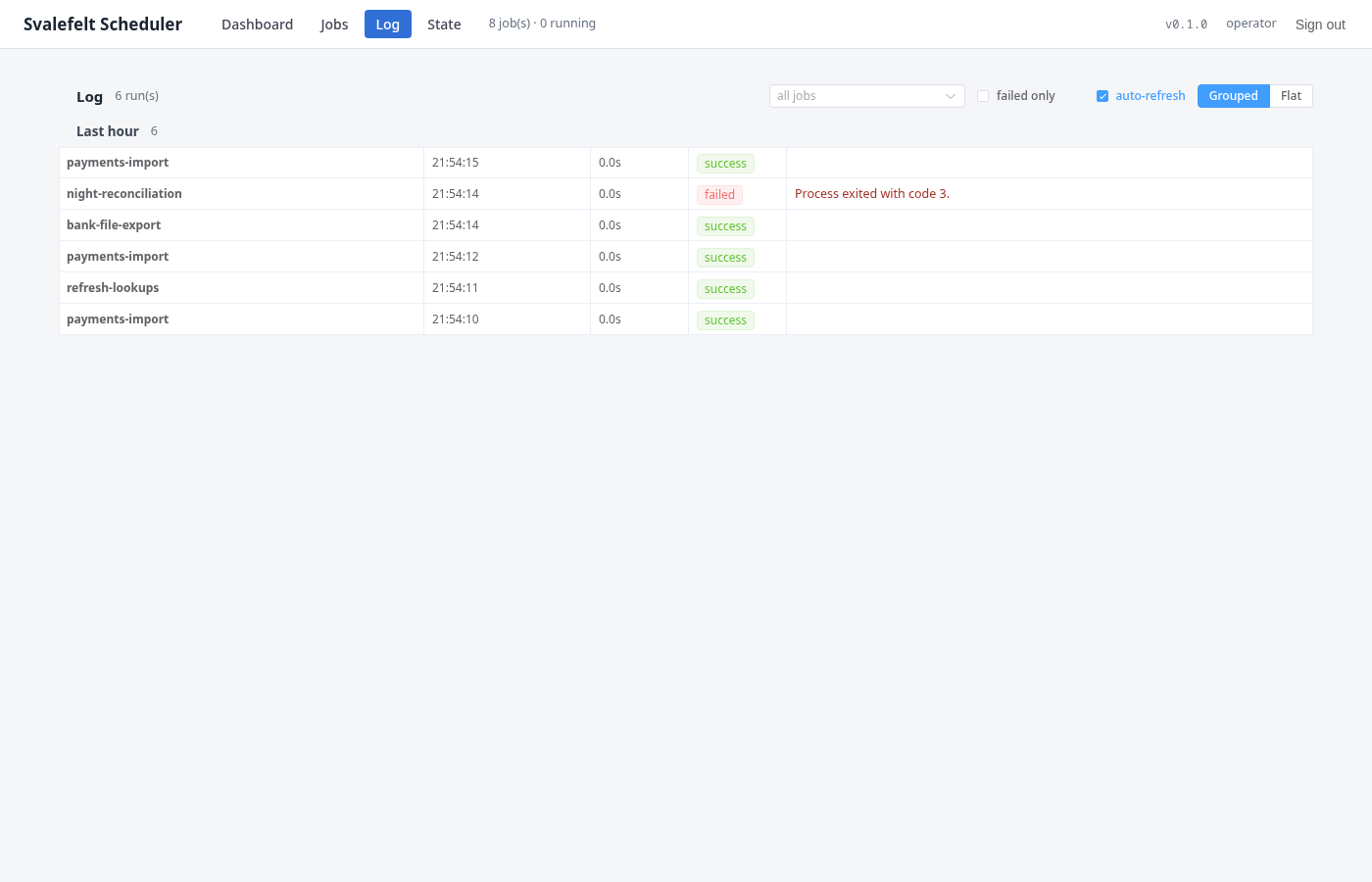
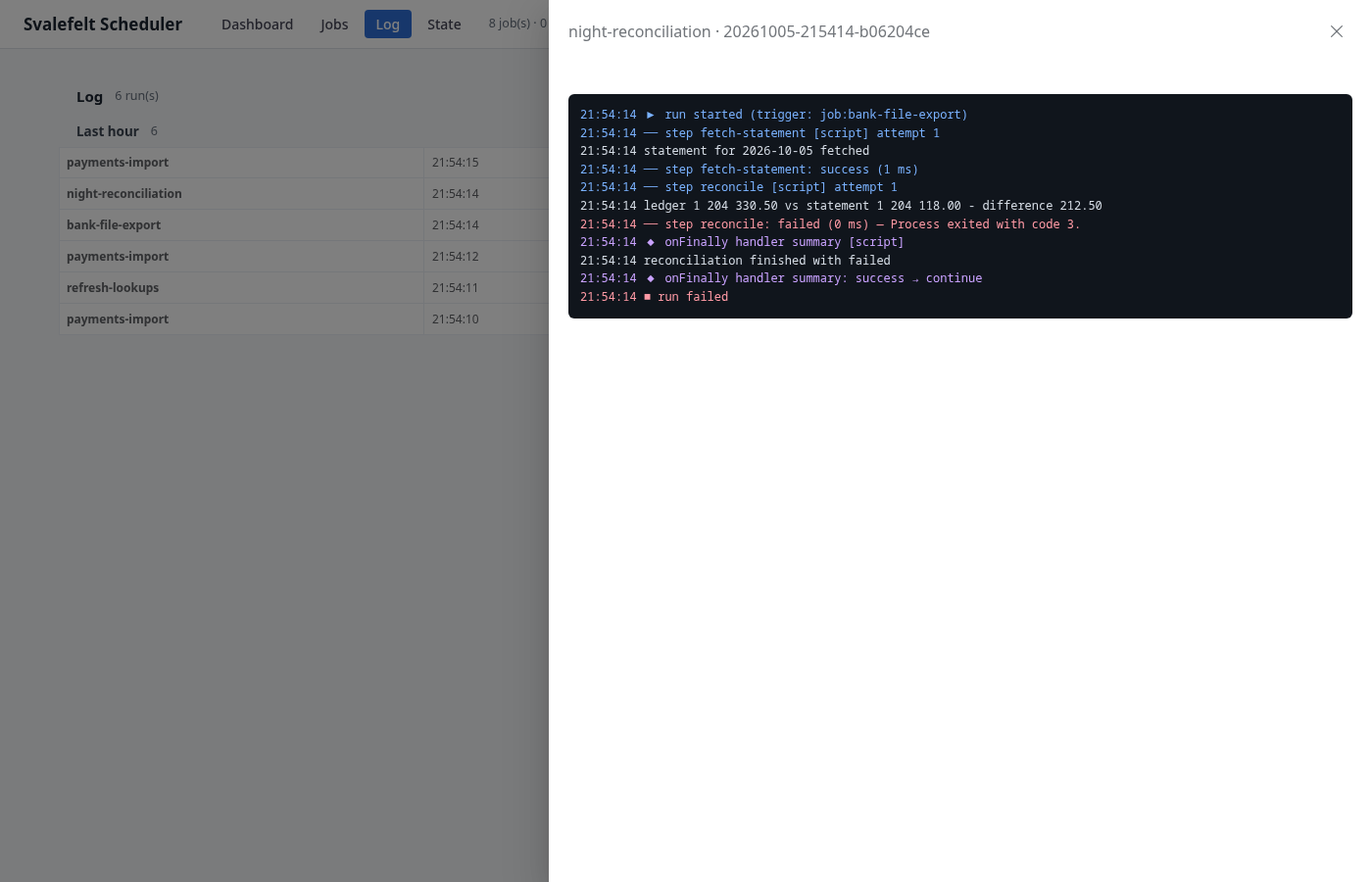
per batch server. The log lists every run with the reason it failed, filterable by job. The state
page shows each batch server's last sixty heartbeats, its service state, and buttons to start, stop
or restart it — and lists every path the jobs use, marked OK, missing or no access, which is the
first thing to look at when a job stops.
The scheduler installs as a Windows service in one command and ships self-contained, so the host
needs no .NET runtime; without the Nova parts it runs equally well on Linux or in Docker.
Everything the UI does, the command line does too: scheduler validate for CI,
scheduler run <job> by hand, scheduler nova status.